

تفصیل
Webknit Site Toolkit lets a site administrator:
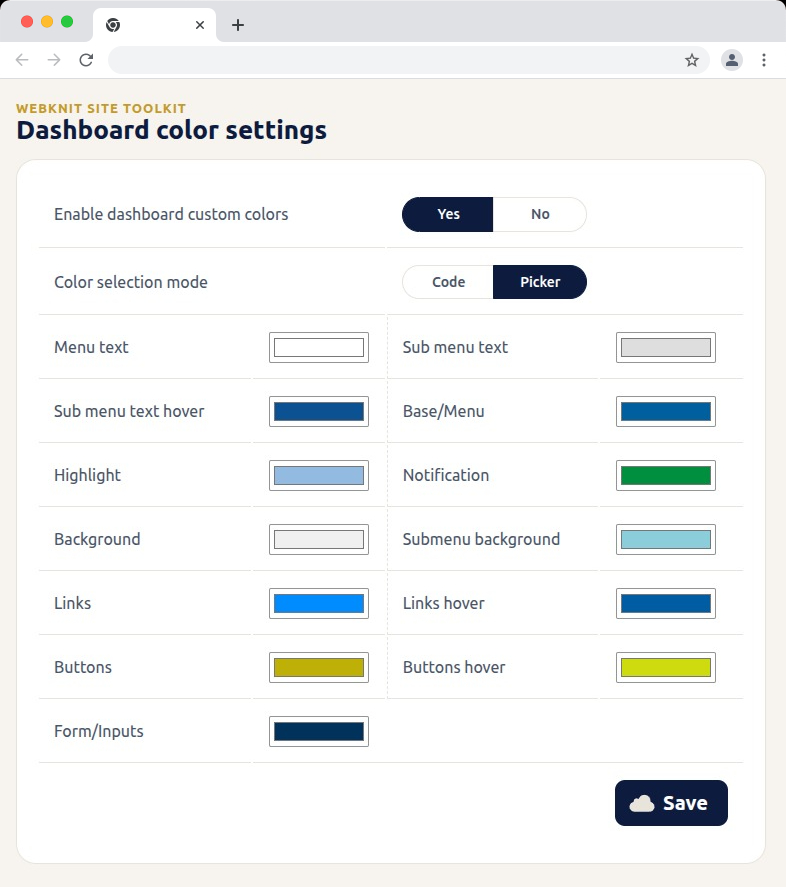
- Recolor the wp-admin sidebar, links, buttons, and form inputs, entered as hex codes or picked visually.
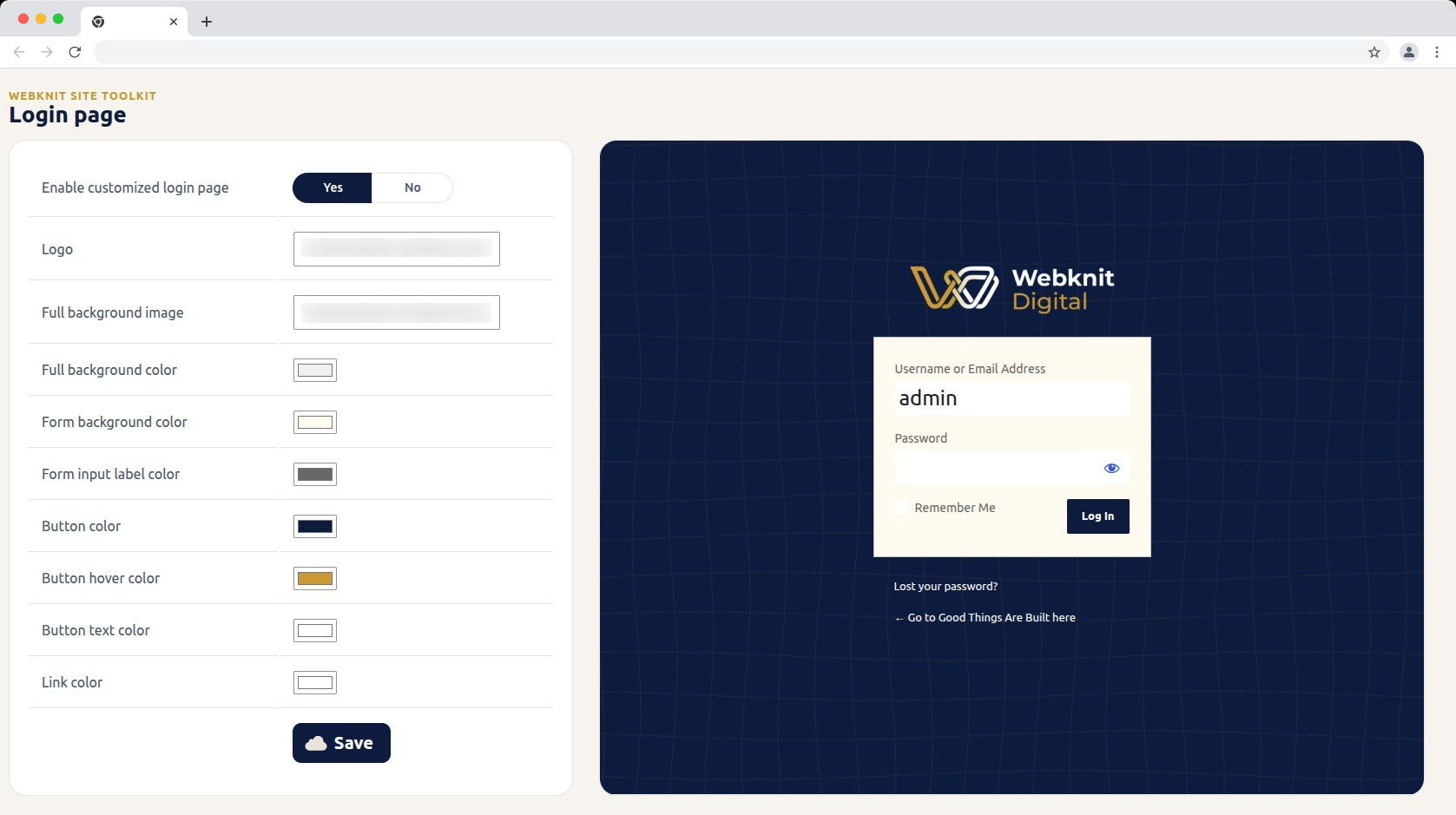
- Customize the login screen: logo, full-page background image/color, form background/label colors, and button colors/text.
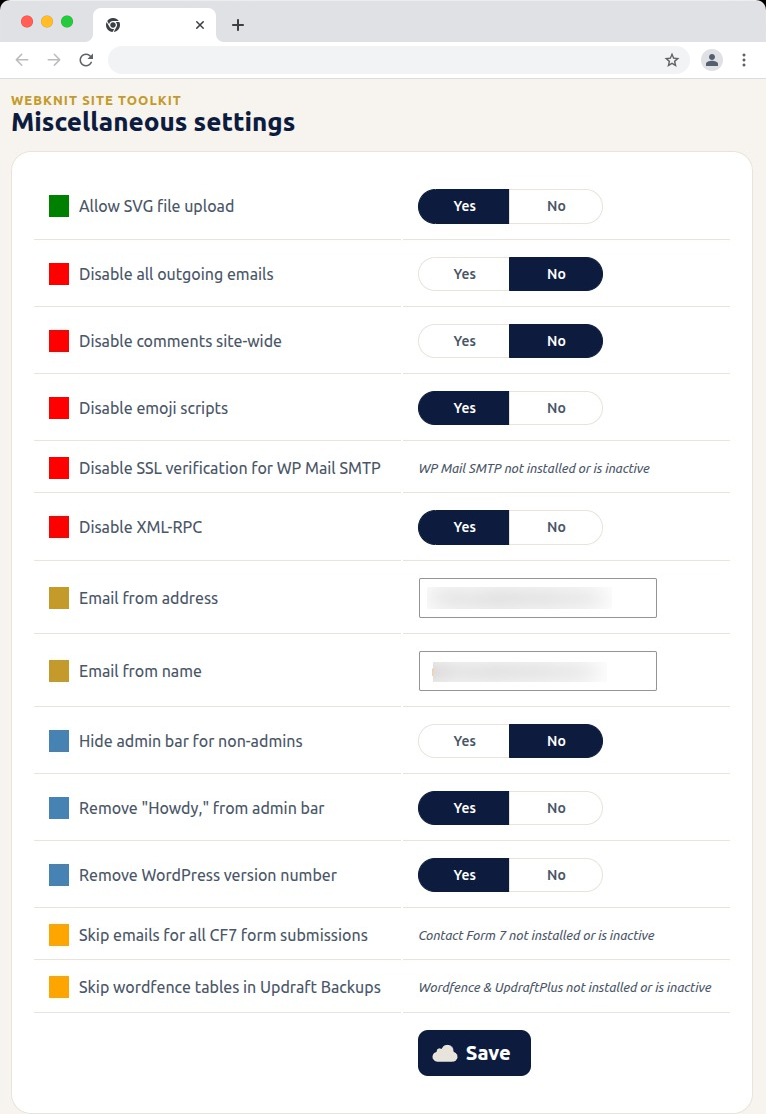
- Toggle a set of miscellaneous settings: allow SVG uploads, disable SSL verification for WP Mail SMTP, disable outgoing emails, skip Wordfence tables during UpdraftPlus backups, skip Contact Form 7 submission emails, disable XML-RPC, remove the WordPress version number, disable emojis, hide the admin bar for non-admins, disable comments sitewide, remove "Howdy,” from the admin bar, and override the outgoing mail "from” name/address.
اسکرین شاٹس
انسٹالیشن
- Upload the plugin files to
/wp-content/plugins/webknit-site-toolkit, or install through the WordPress plugins screen directly. - Activate the plugin through the "Plugins” screen in WordPress.
- Use the "Site Toolkit” menu in wp-admin to configure dashboard colors, the login page, and miscellaneous settings.
عمومی سوالات
-
Why does one of the Misc. settings toggles show a message instead of Yes/No?
-
That setting acts on another plugin (WP Mail SMTP, Contact Form 7, or Wordfence + UpdraftPlus) that isn’t currently installed or active, so the toggle would have no effect. The message replaces the toggle until that plugin is active; your previously saved choice is kept and reappears once it is.
-
Access requires the
manage_optionscapability, which by default only Administrators have. -
I changed a color or setting and saved, but the site still looks the same.
-
Generated CSS is served with a cache-busting version, but browsers can still hold an old copy. Hard-refresh the page (Ctrl+Shift+R / Cmd+Shift+R) and confirm the save actually completed.
-
Where are the generated CSS files stored?
-
In
wp-content/uploads/webknit-site-toolkit/. That directory must be writable by the web server, or dashboard/login color changes won’t apply.
جائزے
There are no reviews for this plugin.
شراکت دار اور ڈیویلپرز
“Webknit Site Toolkit” اوپن سورس سافٹ ویئر ہے۔ مندرجہ ذیل لوگوں نے اس پلگ ان میں حصہ لیا:
شراکت دار
“Webknit Site Toolkit” کا اپنی زبان میں ترجمہ کریں۔
ڈویلپمینٹ میں دلچسپی ہے؟
کوڈ براؤز کریں، ایس این وی ریپوزیٹری کو چیک کریں یا ڈویلپمینٹ لاگ کو سبسکرائب کریں بذریعہ آر ایس ایس۔
چینج لاگ
1.0.0
- Initial release.