
تفصیل
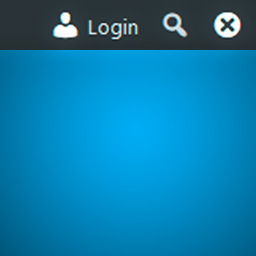
Show WordPress toolbar (formerly admin bar) with a login button on front end for remembered (previously logged in) browsers. Miscellaneous show/hide/remember toolbar options.
Features:
* Force display toolbar and adds "Login” button and "Forget Browser (Hide)” buttons to front end on remembered browsers.
* Remember browser timeout option (cookie expire timeout)
* Remember user option (user roles support)
* Options to show or hide toolbar separately for logged in and logged out (but remembered) users.
* Uninstall option to remove plugin settings on plugin deactivation
اسکرین شاٹس


انسٹالیشن
- Upload the plugin files to the
/wp-content/plugins/toolbar-login-buttondirectory, or install the plugin through the WordPress plugins screen directly. - Activate the plugin through the ‘Plugins’ screen in WordPress
- Use the Settings->Toolbar Login Button screen to configure the plugin
جائزے
There are no reviews for this plugin.
شراکت دار اور ڈیویلپرز
“Toolbar Login Button” اوپن سورس سافٹ ویئر ہے۔ مندرجہ ذیل لوگوں نے اس پلگ ان میں حصہ لیا:
شراکت دار
“Toolbar Login Button” کا اپنی زبان میں ترجمہ کریں۔
ڈویلپمینٹ میں دلچسپی ہے؟
کوڈ براؤز کریں، ایس این وی ریپوزیٹری کو چیک کریں یا ڈویلپمینٹ لاگ کو سبسکرائب کریں بذریعہ آر ایس ایس۔
چینج لاگ
1.1.0
- Added plugin action links (settings link)
- Removed PHP and WordPress version check code as WordPress has this functionality built-in now
- Moved plugin class to plugin.php
1.0.0
- First public version
0.0.1
- Added browser remember option (cookie expire timeout)
- Added user remember option (user roles support)
- Added redirect after login option
- Added uninstall option
- Added translation support