

تفصیل
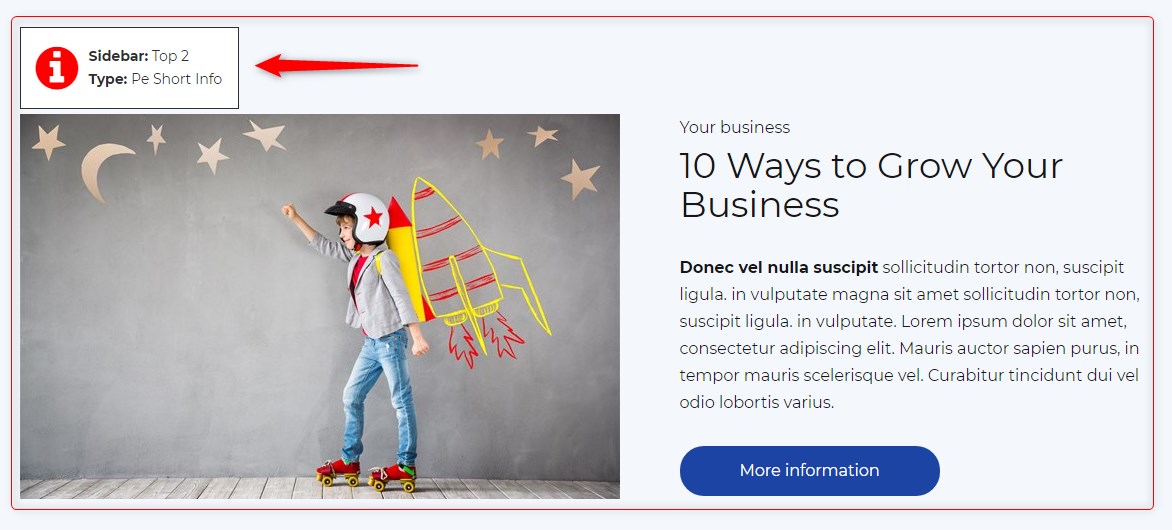
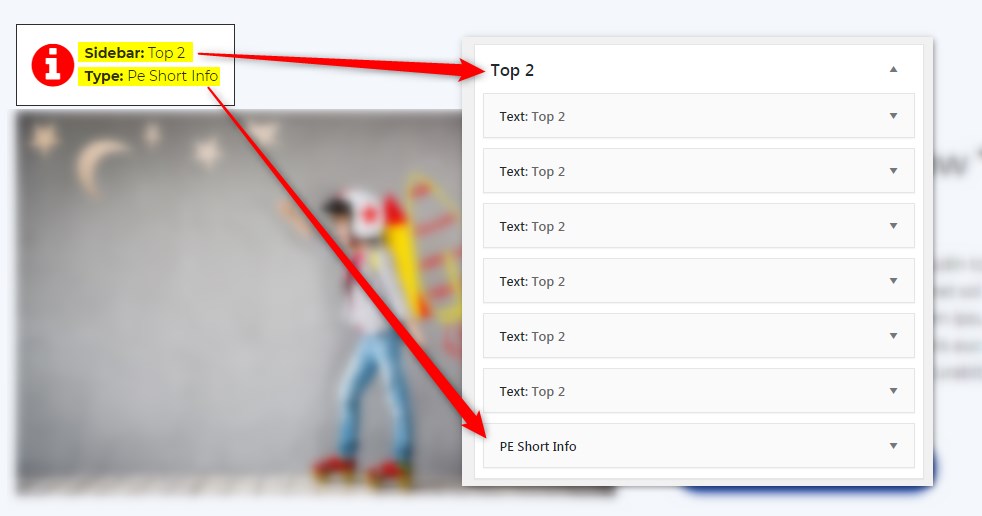
Get info about visible sidebars and widgets types and easily find them in the dashboard in Appearance -> Widgets
اسکرین شاٹس
انسٹالیشن
- In your admin panel, go to Plugins -> Add New and click the Upload Plugin button.
- Click Choose File, then select the plugin ZIP file. Click Install Now.
- Click Activate to activate the plugin.
جائزے
There are no reviews for this plugin.
شراکت دار اور ڈیویلپرز
“PE Theme Elements Info – get info about sidebars and widgets types” اوپن سورس سافٹ ویئر ہے۔ مندرجہ ذیل لوگوں نے اس پلگ ان میں حصہ لیا:
شراکت دار
“PE Theme Elements Info – get info about sidebars and widgets types” کا اپنی زبان میں ترجمہ کریں۔
ڈویلپمینٹ میں دلچسپی ہے؟
کوڈ براؤز کریں، ایس این وی ریپوزیٹری کو چیک کریں یا ڈویلپمینٹ لاگ کو سبسکرائب کریں بذریعہ آر ایس ایس۔
چینج لاگ
1.10
- Added information about menus
- Fixed possible incorrect widget names in sidebars
- By default information about widgets or menus on the page will be displayed only for logged-in administrators