
تفصیل
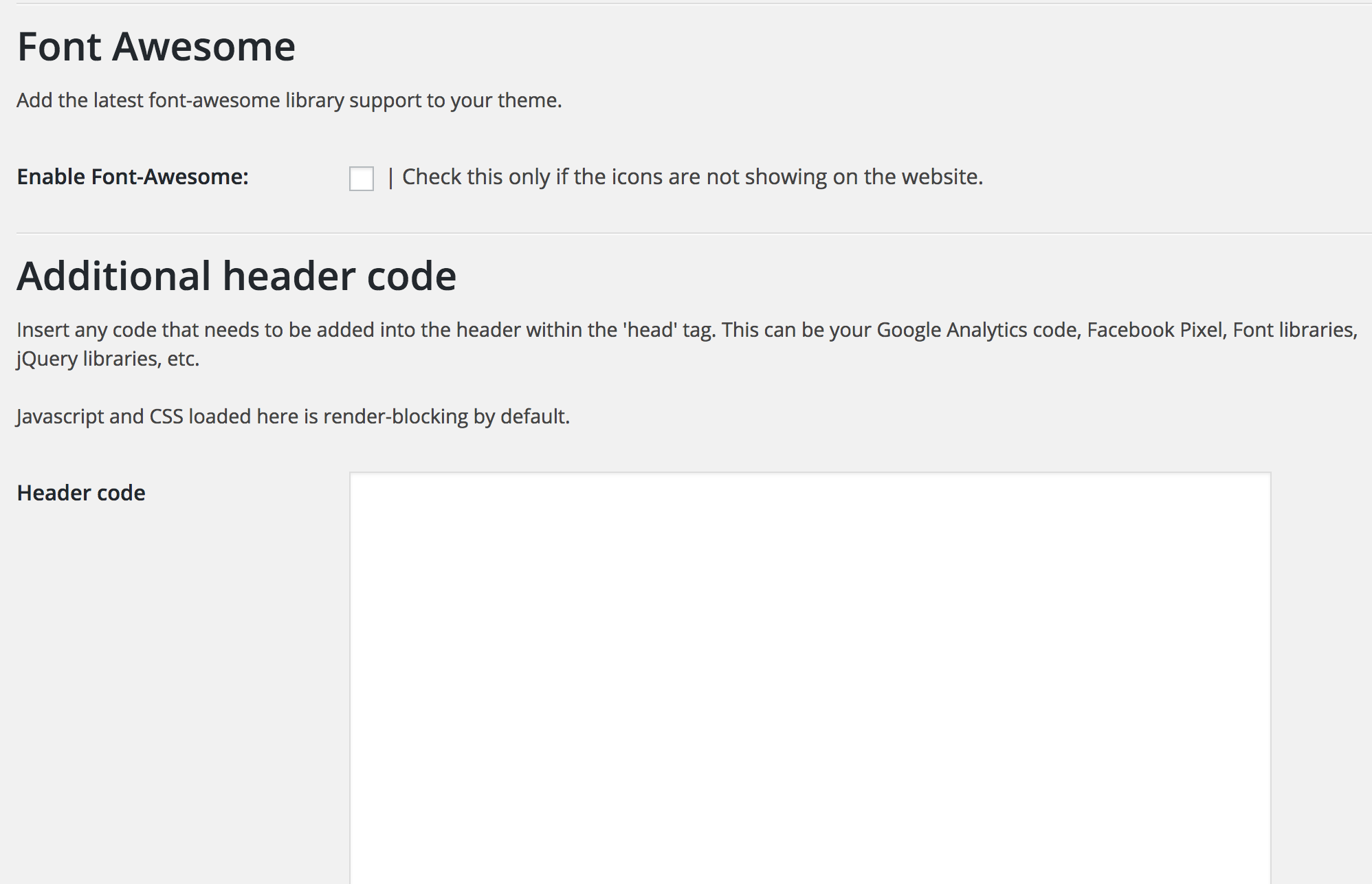
The core feature of the plugin is the high-conversion mobile CTA that is guaranteed to increase your click-to-call and contact rates since it is well designed and customizable. The plugin also allows you to inject any code you need into your headers (like fb pixel and Google Analytics) and allows you to customize the colors and enable icons on the CTA.
اسکرین شاٹس


انسٹالیشن
This section describes how to install the plugin and get it working.
- Upload the plugin folder to the
/wp-content/plugins/directory - Activate the plugin through the ‘Plugins’ menu in WordPress
- Access the ‘Ascend Marketing’ menu in your dashboard to use the plugin.
عمومی سوالات
- Can I change the colors of the CTA?
-
Yes, you can choose to change the background color, text color, and the background of the buttons.
- Can I determine what width the CTA appears at?
-
Yes, you can enter a value in pixels that will be the width below which the CTA appears
جائزے
There are no reviews for this plugin.
شراکت دار اور ڈیویلپرز
“Ascend Marketing Tools” اوپن سورس سافٹ ویئر ہے۔ مندرجہ ذیل لوگوں نے اس پلگ ان میں حصہ لیا:
شراکت دار

“Ascend Marketing Tools” کا اپنی زبان میں ترجمہ کریں۔
ڈویلپمینٹ میں دلچسپی ہے؟
کوڈ براؤز کریں، ایس این وی ریپوزیٹری کو چیک کریں یا ڈویلپمینٹ لاگ کو سبسکرائب کریں بذریعہ آر ایس ایس۔
چینج لاگ
2.0
Tested with latest WordPress.