

تفصیل
A WooCommerce gallery plugin built using PhotoSwipe from Dmitry Semenov. photoswipe and slick carousel.
WooSwipe should work out of the box with your WooCommerce gallery settings. Simply adjust your image sizes in Appearance > Customize > WooCommerce > Product Images. You may need to rebuild your thumbnails when changing image sizes. (Note: If your theme declares theme image sizes then you may not be able to change them.)
- Responsive
- Very Mobile Friendly
- Keyboard control
- Full image size
- 2 colour options
- Pinit to Pinterest option
Planned Features:
* Show titles or captions
Actions:
wooswipe_before_main
wooswipe_after_main
Filter:
wooswipe_zoomed_image_size
add_filter( ‘wooswipe_zoomed_image_size’, ‘max_image_size’, 10, 1 );
function max_image_size( $size ) {
$size = "large”;
return $size;
}
Join the chat at https://gitter.im/thriveweb/wooswipe
اسکرین شاٹس
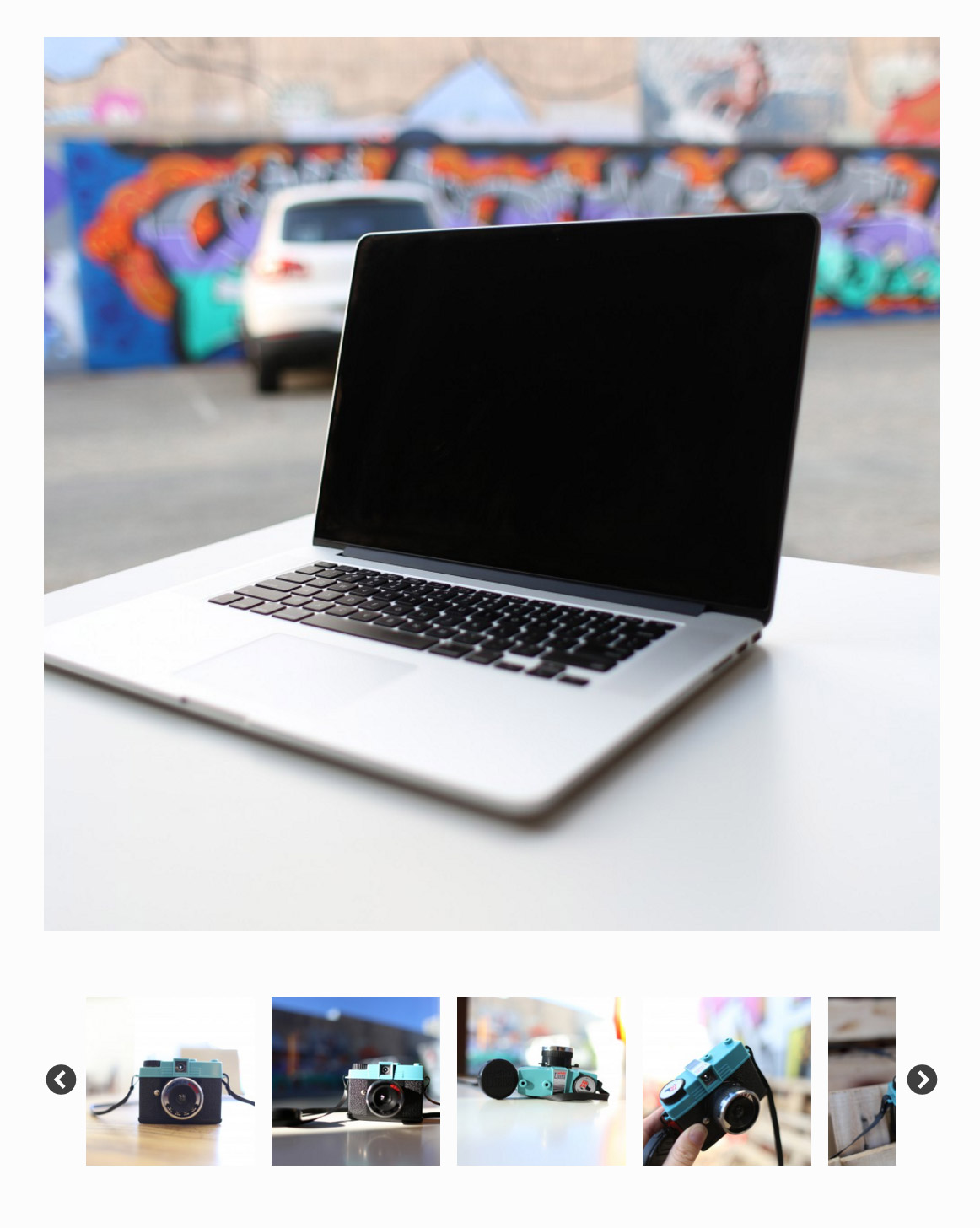
Screenshot Default gallery layout 
Screenshot Popup layout
انسٹالیشن
- Upload
/wooswipe/to the/wp-content/plugins/directory - Activate the plugin through the ‘Plugins’ menu in WordPress
- Checkout your new gallery!
جائزے


شراکت دار اور ڈیویلپرز
“WooSwipe WooCommerce Gallery” اوپن سورس سافٹ ویئر ہے۔ مندرجہ ذیل لوگوں نے اس پلگ ان میں حصہ لیا:
شراکت دار

“WooSwipe WooCommerce Gallery” کا اپنی زبان میں ترجمہ کریں۔
ڈویلپمینٹ میں دلچسپی ہے؟
کوڈ براؤز کریں، ایس این وی ریپوزیٹری کو چیک کریں یا ڈویلپمینٹ لاگ کو سبسکرائب کریں بذریعہ آر ایس ایس۔