

تفصیل
3pika Gallery lets you build beautiful, fast, filterable galleries in minutes:
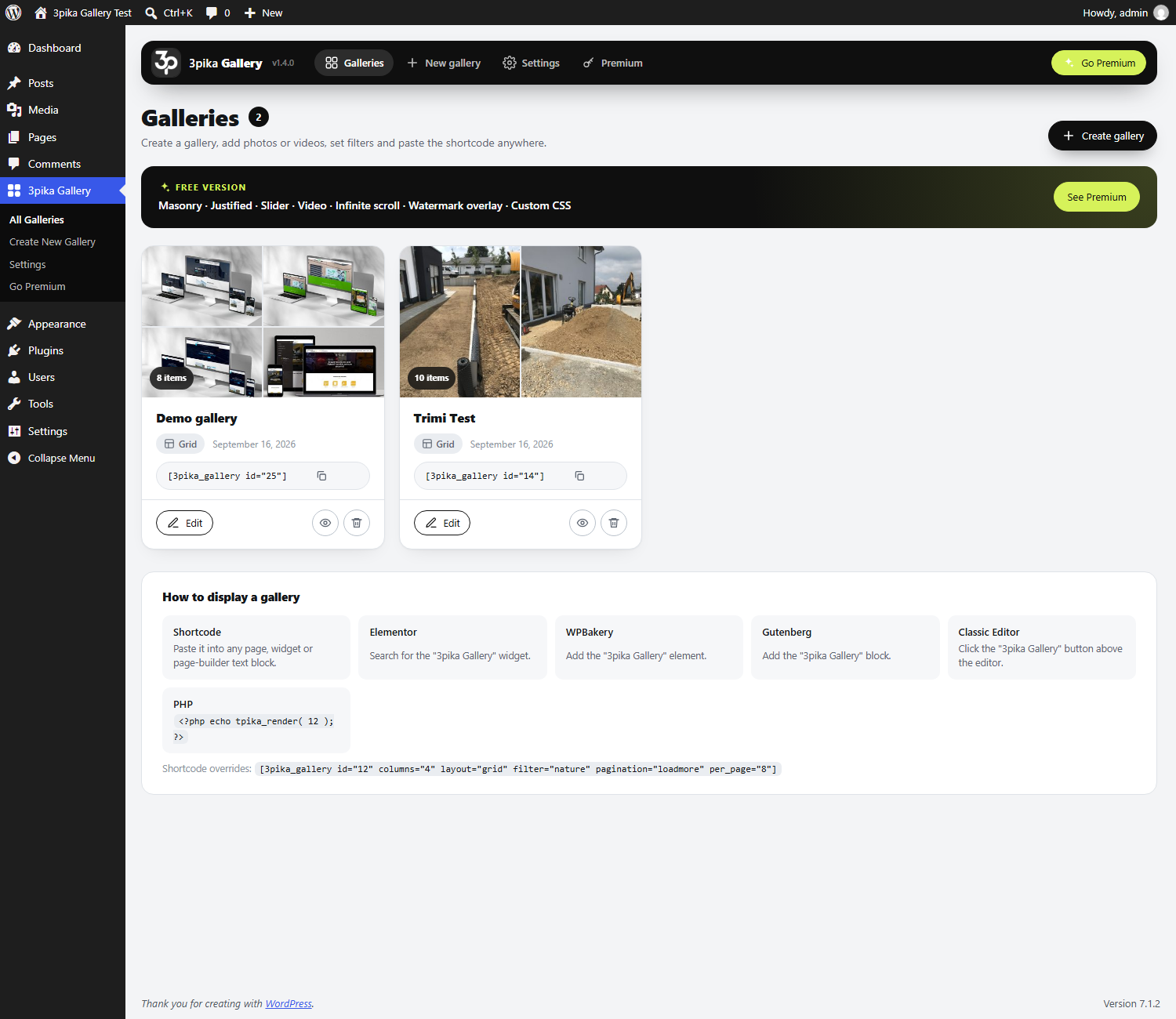
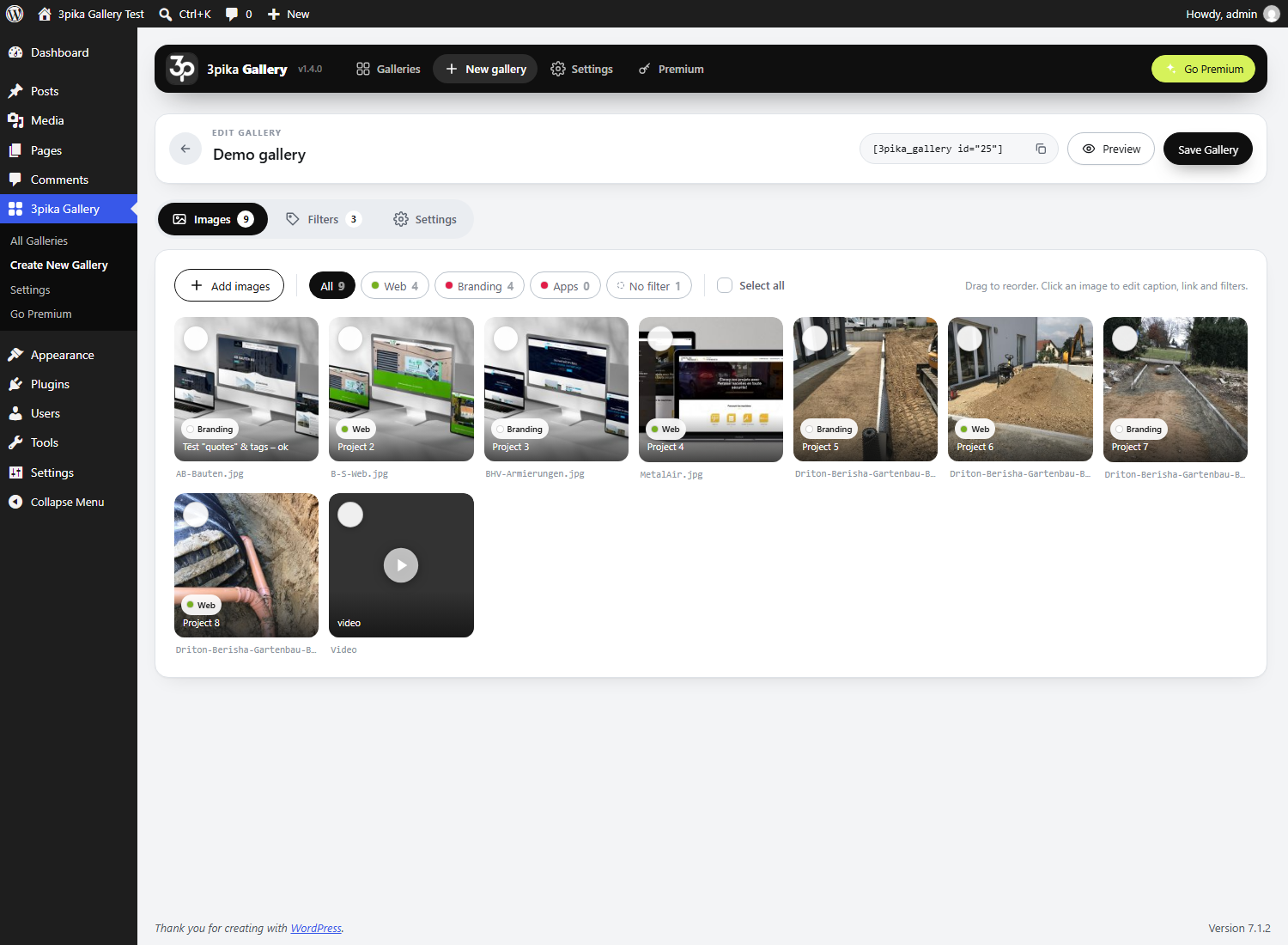
- Create galleries from the 3pika Gallery menu, add images from the Media Library, drag & drop to reorder.
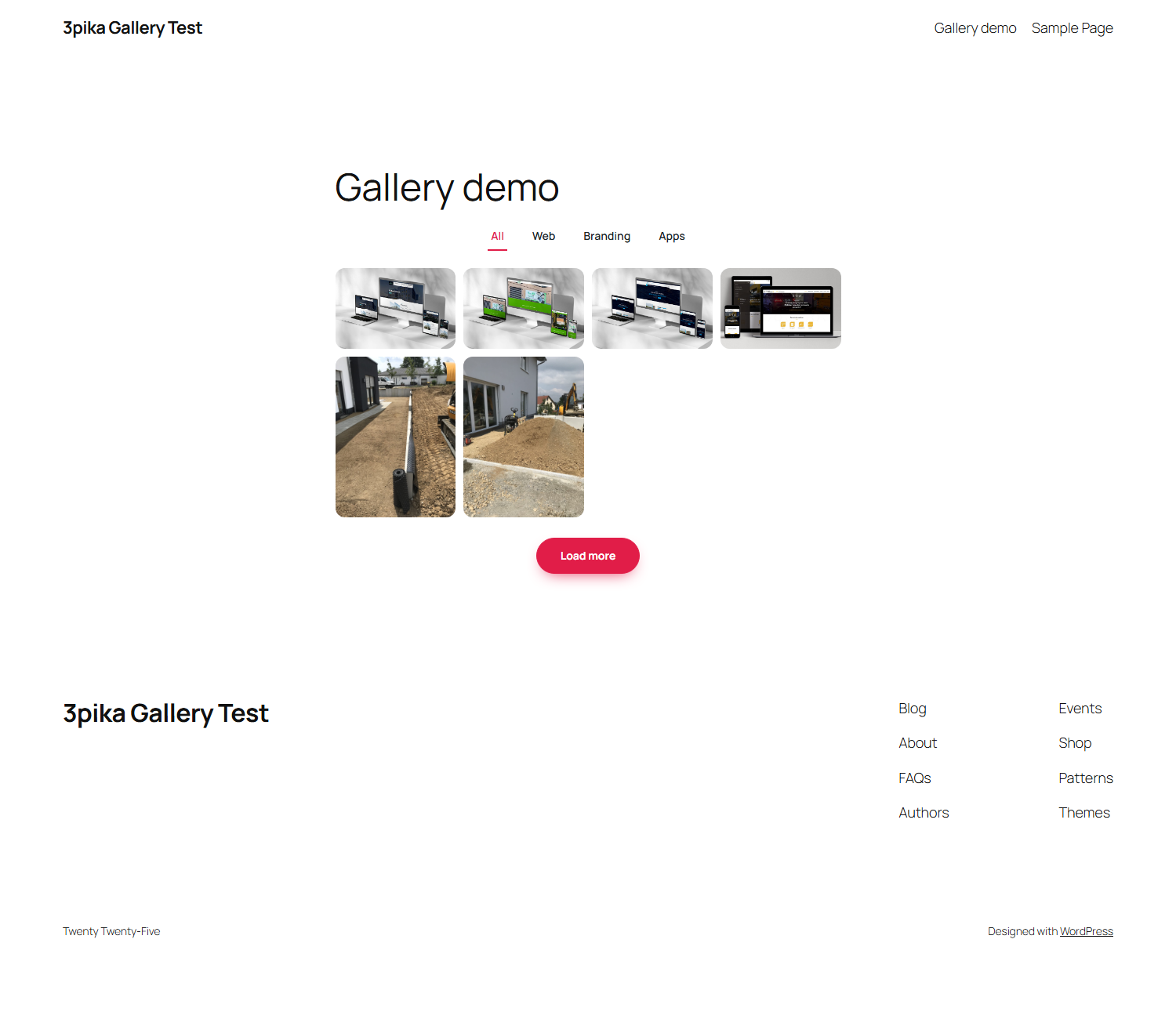
- Filters: create categories with their own colors, assign images (bulk assign supported) and let visitors filter with one click. Unlimited filters, 8 filter styles (buttons, pills, square, soft, outline, underline, text, dropdown) and 6 mobile layouts.
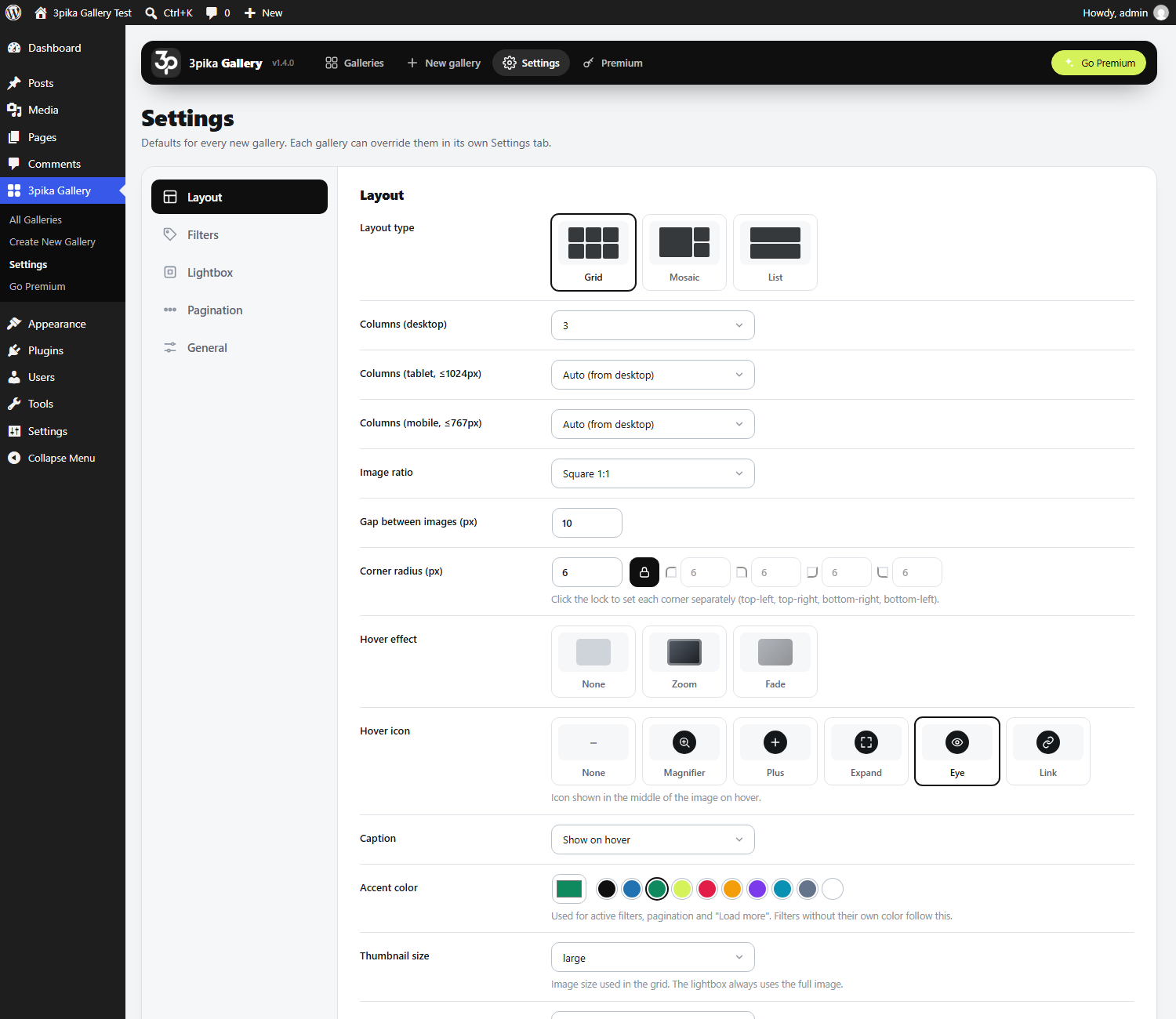
- Layouts: Grid, Mosaic and List.
- Responsive columns: 1 to 6 columns on desktop, tablet and mobile are calculated automatically (or set them yourself).
- Lightbox with swipe, keyboard navigation, captions and counter.
- Pagination: page numbers or "Load more”.
- Hover effects and hover icons, captions on hover or below, corner radius per corner, gaps, accent color.
- Works everywhere: shortcode, Elementor widget, WPBakery element, Gutenberg block, Classic Editor button, PHP template tag.
- 85 languages: the plugin follows the language of your site.
- No jQuery on the front end, assets load only on pages with a gallery, server-side rendered HTML (SEO friendly).
Premium
3pika Gallery Premium is a separate edition with more layouts and tools:
- Masonry, Justified and Slider layouts
- Multi-select filters, item counts, deep links
- Dots pagination and infinite scroll
- Lightbox zoom, slideshow, fullscreen, social share, download
- YouTube, Vimeo and MP4 videos inside galleries
- Watermark overlay and right-click protection
- Custom CSS per gallery, duplicate, import and export
- 10 hover effects
More at https://gallery.3pika.com
اسکرین شاٹس
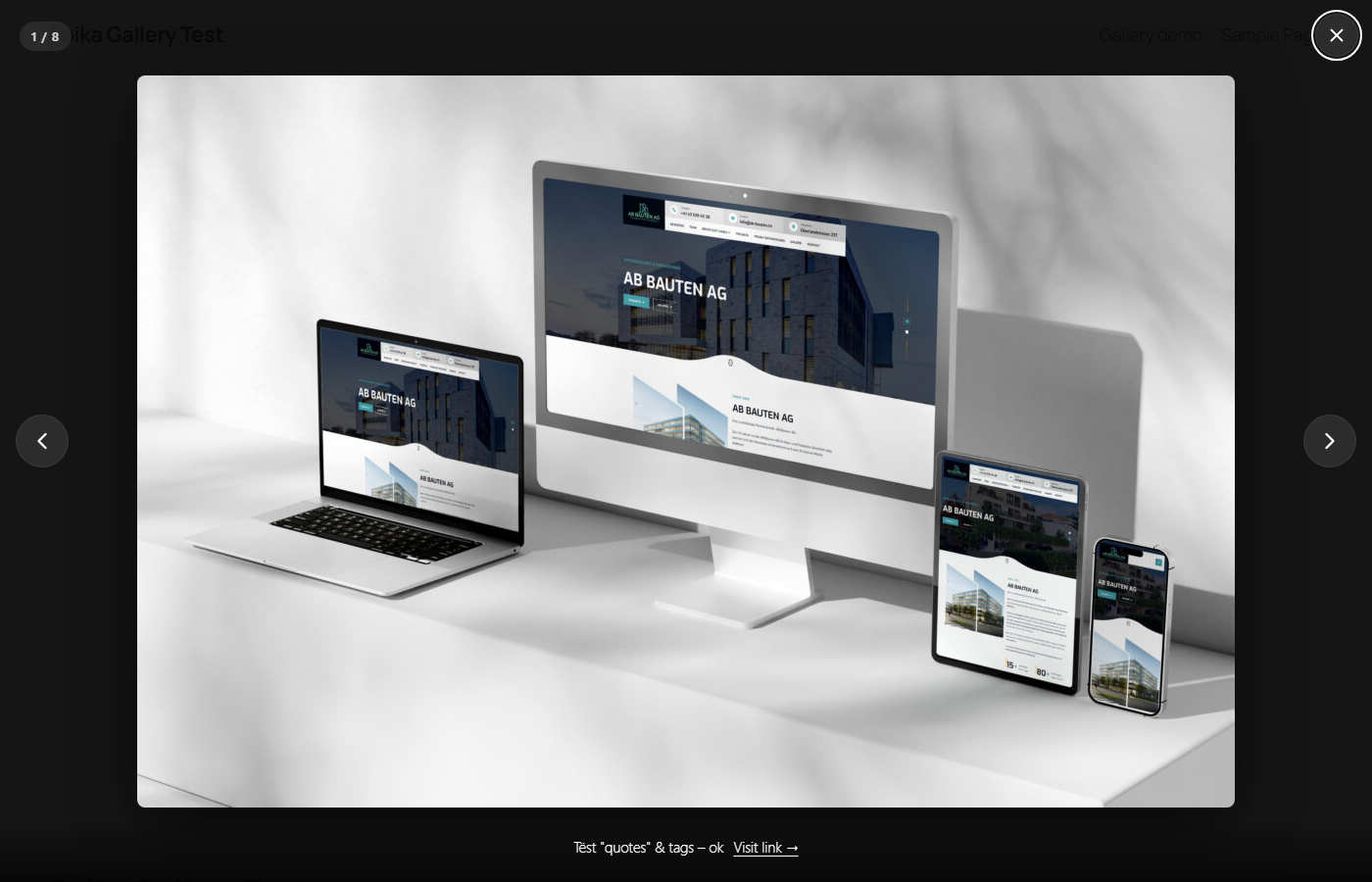
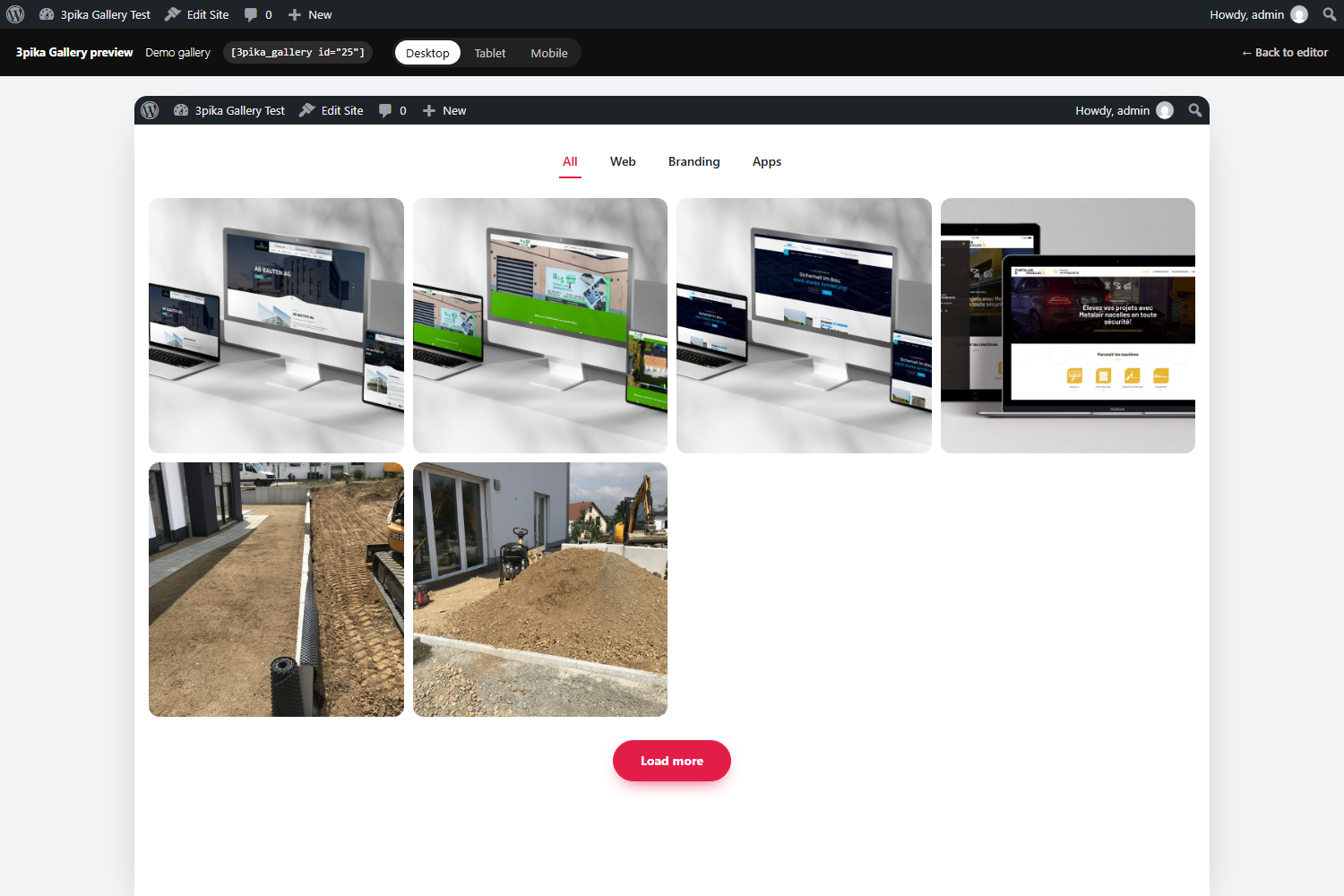
بلاکس
یہ پلگ ان 1 بلاک مہیا کرتی ہے۔
- Tpika Gallery
انسٹالیشن
- Install the zip from Plugins Add New Upload, or upload the
3pika-galleryfolder to/wp-content/plugins/. - Activate the plugin.
- Go to 3pika Gallery Create New Gallery, add images and filters, save.
- Paste the shortcode
[3pika_gallery id="123"]anywhere, or use the Elementor / WPBakery / Gutenberg element.
عمومی سوالات
-
Can I override the columns per page?
-
Yes:
[3pika_gallery id="123" columns="4" layout="grid" pagination="loadmore" per_page="8" filter="nature"]. -
How do I customise the markup?
-
Copy
templates/gallery.phptoyourtheme/3pika-gallery/gallery.php. -
Galleries loaded via AJAX / popups don’t initialise
-
Enable "Always load gallery assets” in 3pika Gallery Settings General, or call
window.TPIKA.init()after injecting the HTML. -
Yes. Premium is installed over the free edition and uses the same galleries and settings.
جائزے
There are no reviews for this plugin.
شراکت دار اور ڈیویلپرز
“3pika Gallery – Filterable Photo Gallery & Lightbox” اوپن سورس سافٹ ویئر ہے۔ مندرجہ ذیل لوگوں نے اس پلگ ان میں حصہ لیا:
شراکت دار
“3pika Gallery – Filterable Photo Gallery & Lightbox” کا 5 زبانوں میں ترجمہ کیا گیا ہے۔ تعاون کے لیے مترجمین کا شکریہ۔
“3pika Gallery – Filterable Photo Gallery & Lightbox” کا اپنی زبان میں ترجمہ کریں۔
ڈویلپمینٹ میں دلچسپی ہے؟
کوڈ براؤز کریں، ایس این وی ریپوزیٹری کو چیک کریں یا ڈویلپمینٹ لاگ کو سبسکرائب کریں بذریعہ آر ایس ایس۔
چینج لاگ
1.4.1
- The gallery returned by the shortcode, the Gutenberg block and the template function is escaped before WordPress prints it.
1.4.0
- Prepared for the WordPress.org plugin directory: longer prefix for everything the plugin registers, output escaped where it is printed, scripts and styles loaded through the WordPress enqueue functions.
- New: Mosaic and List can be chosen in the Elementor widget, the WPBakery element and the Gutenberg block.
- New: the gallery preview opens without the admin bar.
- Requires WordPress 6.2 or newer.
1.3.2
- Free edition: unlimited filters, 5 and 6 columns and the dropdown filter style are now included.
1.3.1
- New: "Go Premium” link next to the version on the Plugins screen.
1.3.0
- Free and Premium are now two editions of the plugin. Premium is installed over Free, galleries and settings stay.
1.2.0
- New: translated into 85 languages. The plugin follows the WordPress site language automatically (Settings General Site Language).
- New: the default "All” and "Load more” labels are shown in the site language.
1.1.1
- New: styled filter dropdown (desktop and mobile) instead of the browser’s native select.
- Fix: "Underline” and "Text only” filters no longer show a box or shadow around the active filter.
- Fix: admin buttons and icons keep their round shape when clicked (WordPress 7).
1.1.0
- New admin design: full-width, visual pickers for layout, hover effect, hover icon, filter style, mobile filters and pagination.
- New layouts: Mosaic and List. Hover icon (magnifier, plus, expand, eye, link).
- Filters: 8 styles, size, shadow toggle, 6 mobile behaviours, text color with automatic contrast, colors for all filters at once.
- Builder: shift-click range select, file names, filter view pills, deselect / delete selected, chunked loading for large galleries.
- Corner radius per corner, more sort orders, accent color presets, responsive preview in a real iframe.
1.0.0
- Initial release.