

تفصیل
Create frequently repeated elements, such as notice, and do not waste time on a large number of settings. Just select an available style and write content.
Available Elements
- Notices
Benefits
- Simplicity. You only need to choose a style for your block without additional options, which helps to focus on writing an article for your blog.
اسکرین شاٹس
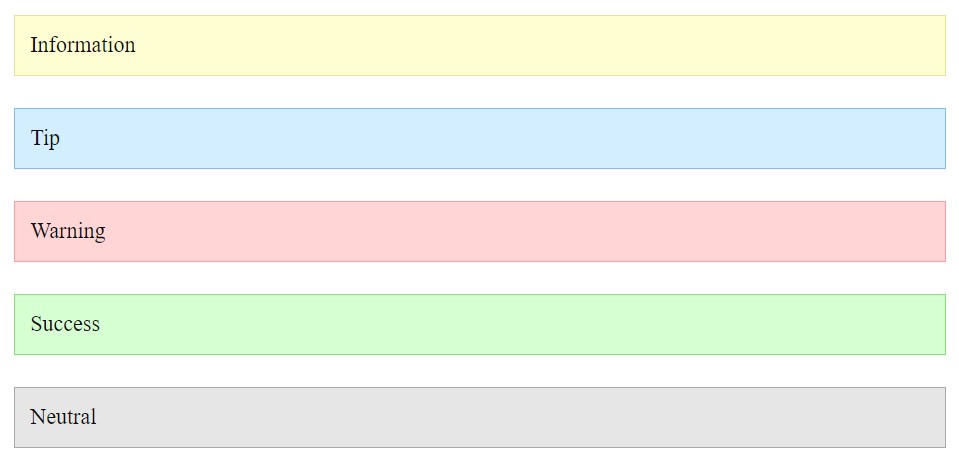
Notices – Frontend 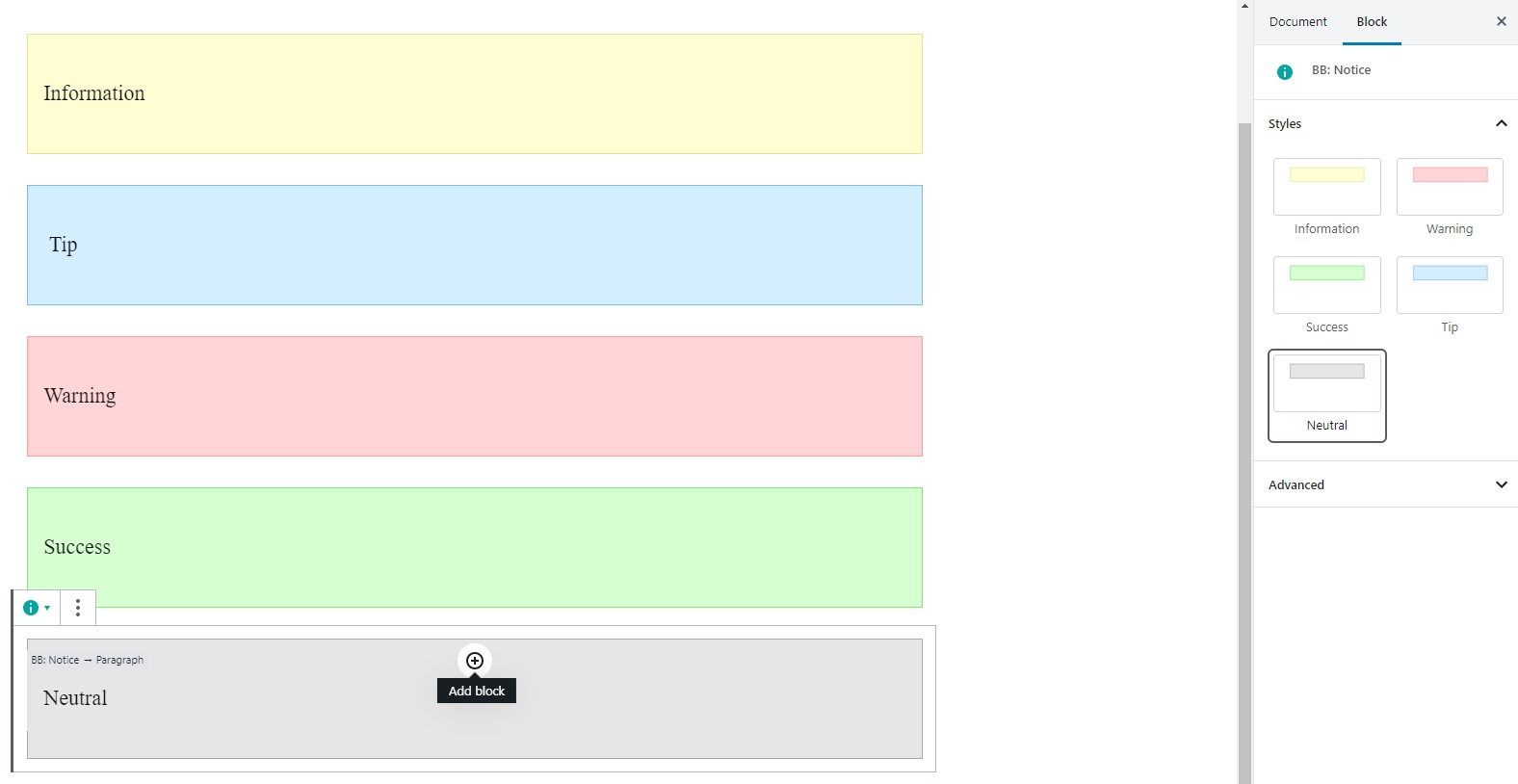
Notices – Gutenberg Editor
بلاکس
یہ پلگ ان 1 بلاک مہیا کرتی ہے۔
- Blog Blocks – Gutenberg Blocks for Content Writers
انسٹالیشن
- Upload zip archeve to the
/wp-content/plugins/directory - Activate the plugin through the ‘Plugins’ menu in WordPress
عمومی سوالات
- How to change notice color?
-
Select a specific style for your notice. Make sure that you select this block, not the internal one.
جائزے
There are no reviews for this plugin.
شراکت دار اور ڈیویلپرز
“Blog Blocks – Gutenberg Blocks for Content Writers” اوپن سورس سافٹ ویئر ہے۔ مندرجہ ذیل لوگوں نے اس پلگ ان میں حصہ لیا:
شراکت دار
“Blog Blocks – Gutenberg Blocks for Content Writers” کا 1 زبان میں ترجمہ کیا گیا ہے۔ تعاون کے لیے مترجمین کا شکریہ۔
“Blog Blocks – Gutenberg Blocks for Content Writers” کا اپنی زبان میں ترجمہ کریں۔
ڈویلپمینٹ میں دلچسپی ہے؟
کوڈ براؤز کریں، ایس این وی ریپوزیٹری کو چیک کریں یا ڈویلپمینٹ لاگ کو سبسکرائب کریں بذریعہ آر ایس ایس۔
چینج لاگ
1.0.0
- Release